Go To Settings
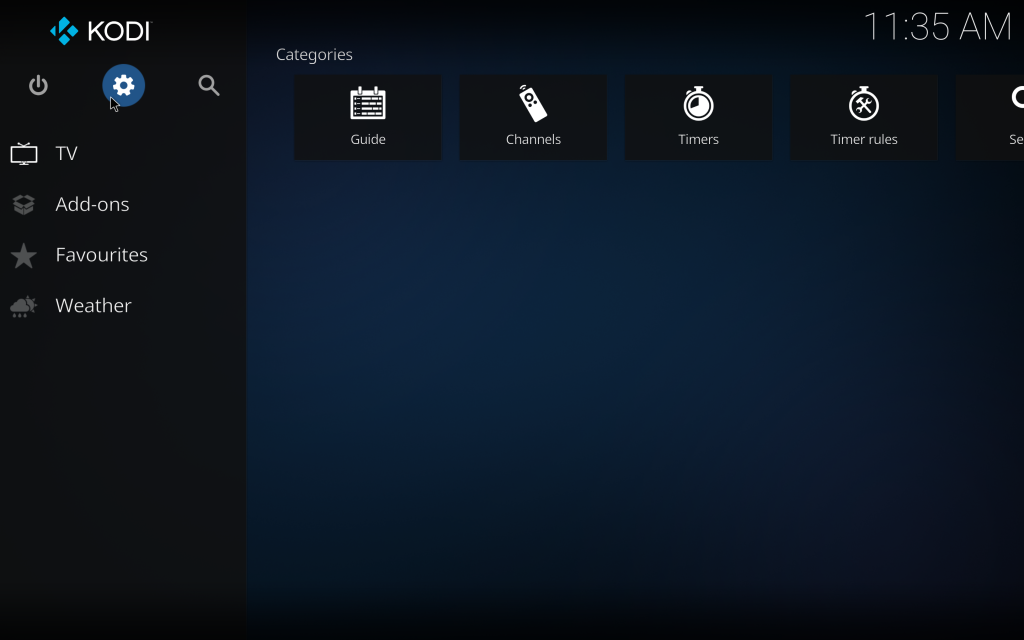
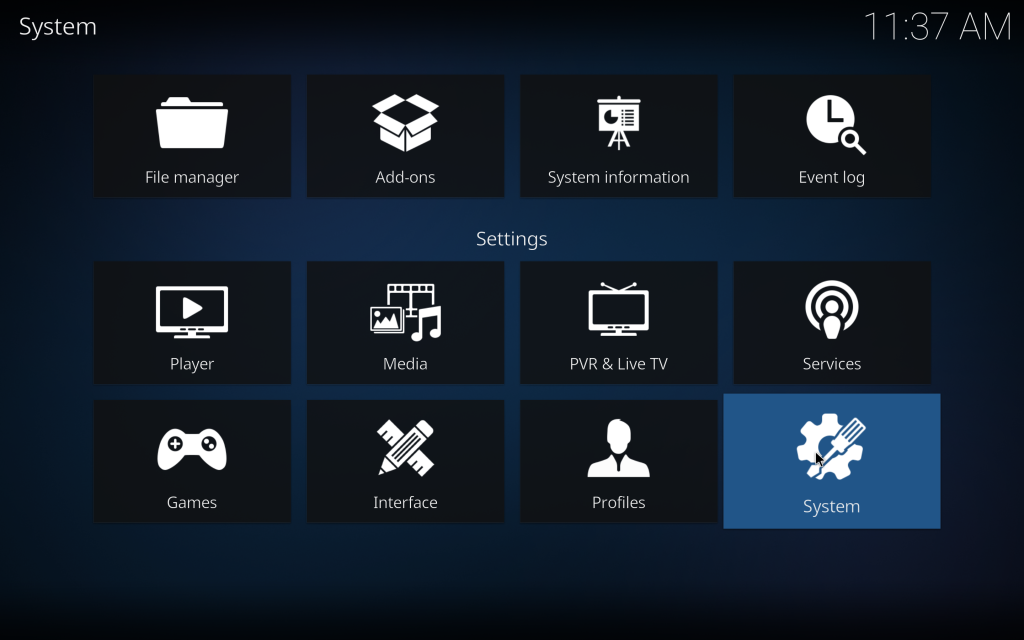
Select System
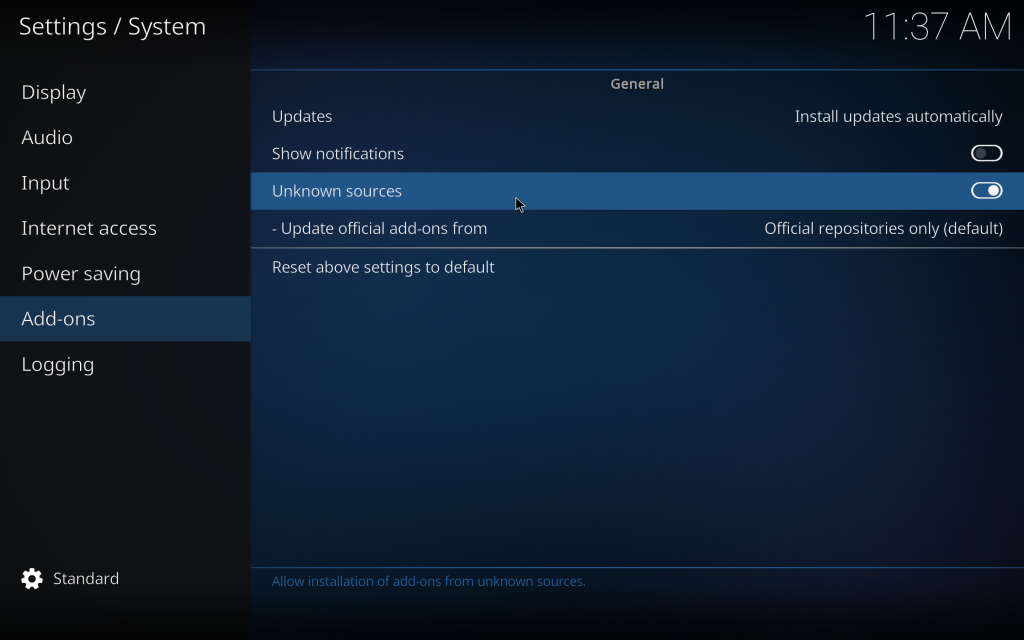
Go to Addons and turn on Unknown Sources, press yes for notification after turning on
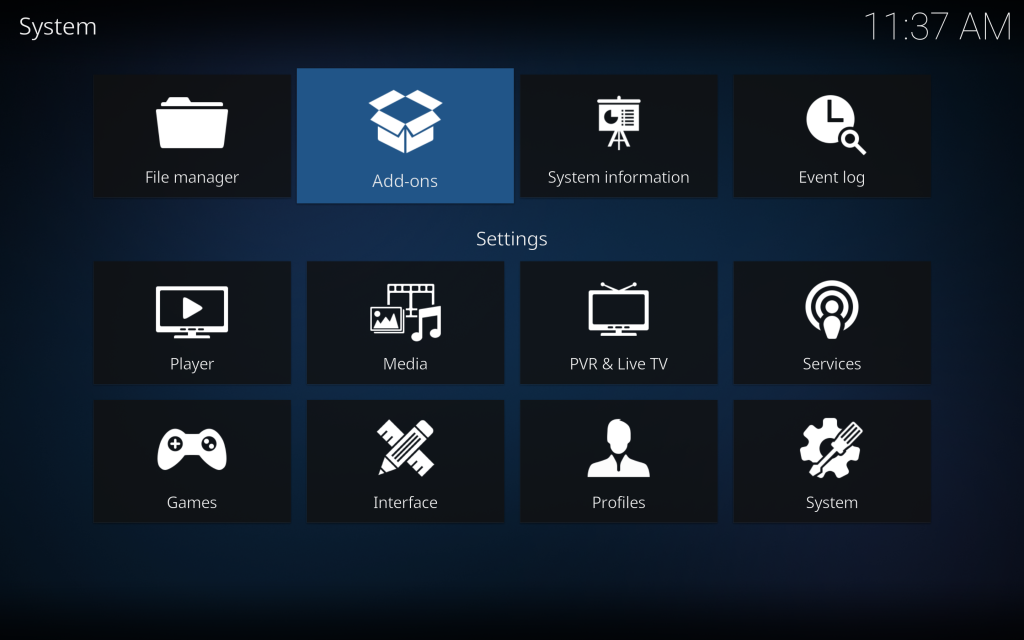
Go Back To Settings And Select Add Ons
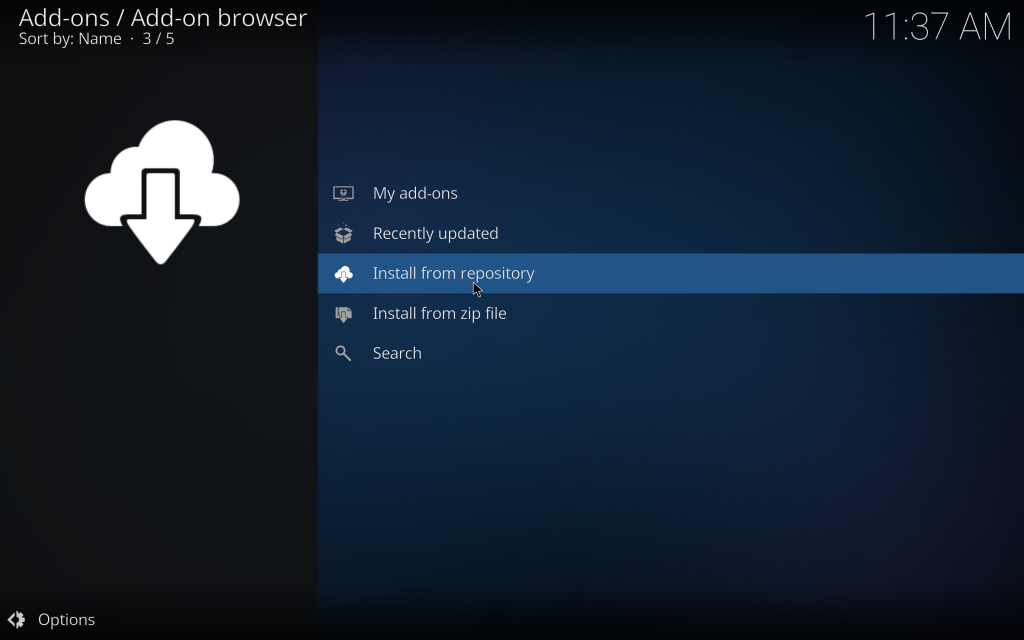
Select Install From Repository
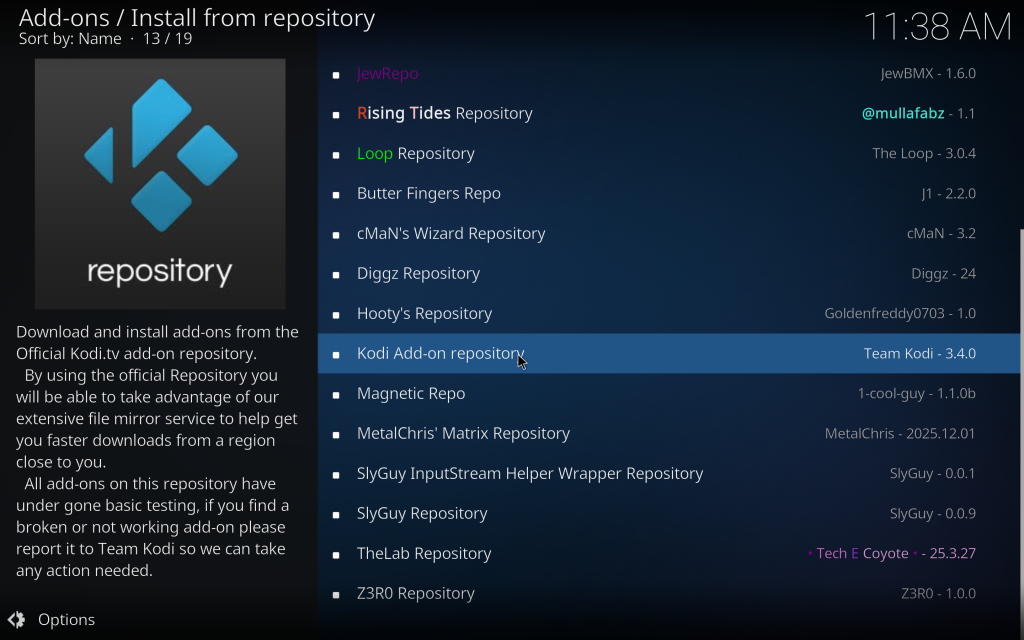
Select Kodi Add-on repository
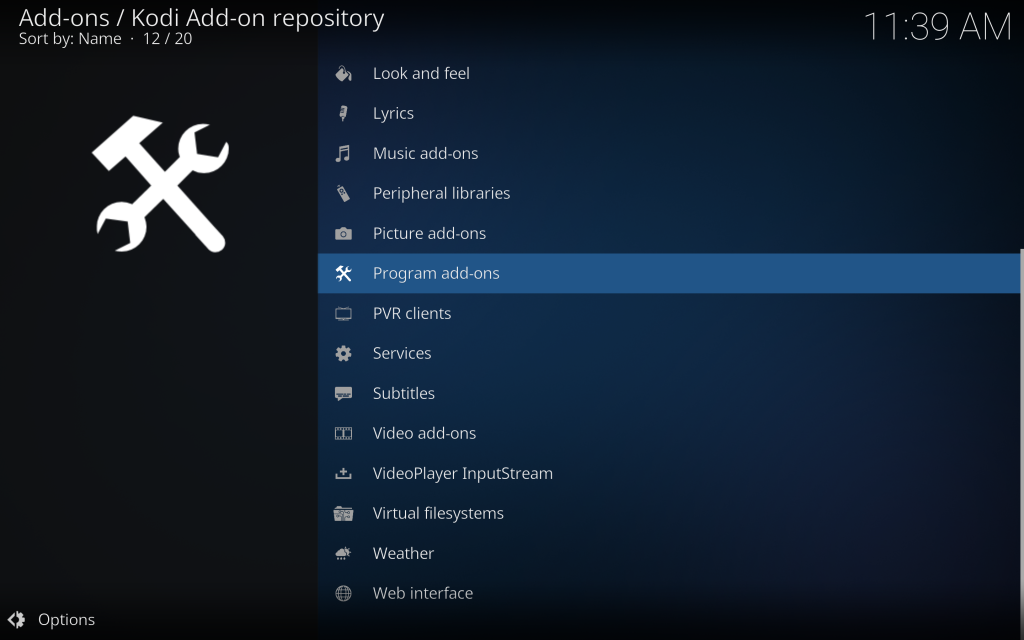
Select Programs add ons
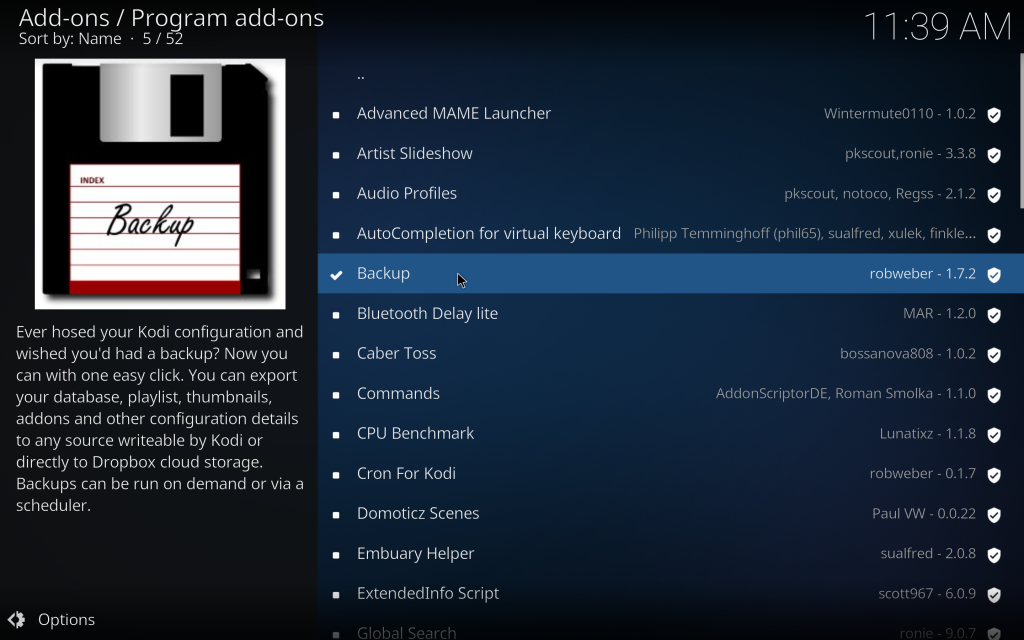
Search and Install Backup
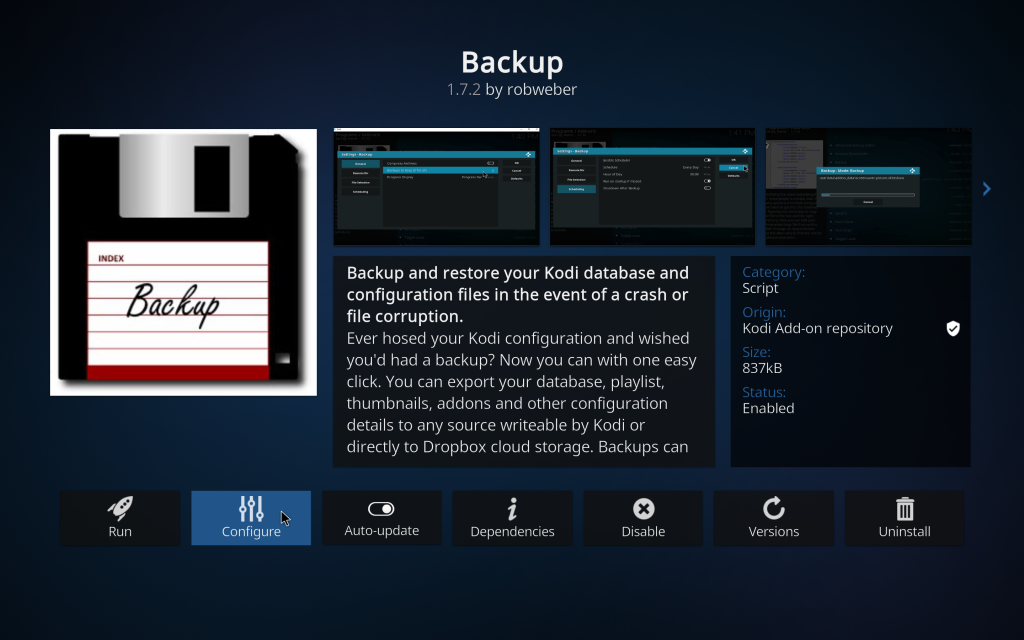
Once Installed click on it again and select configure
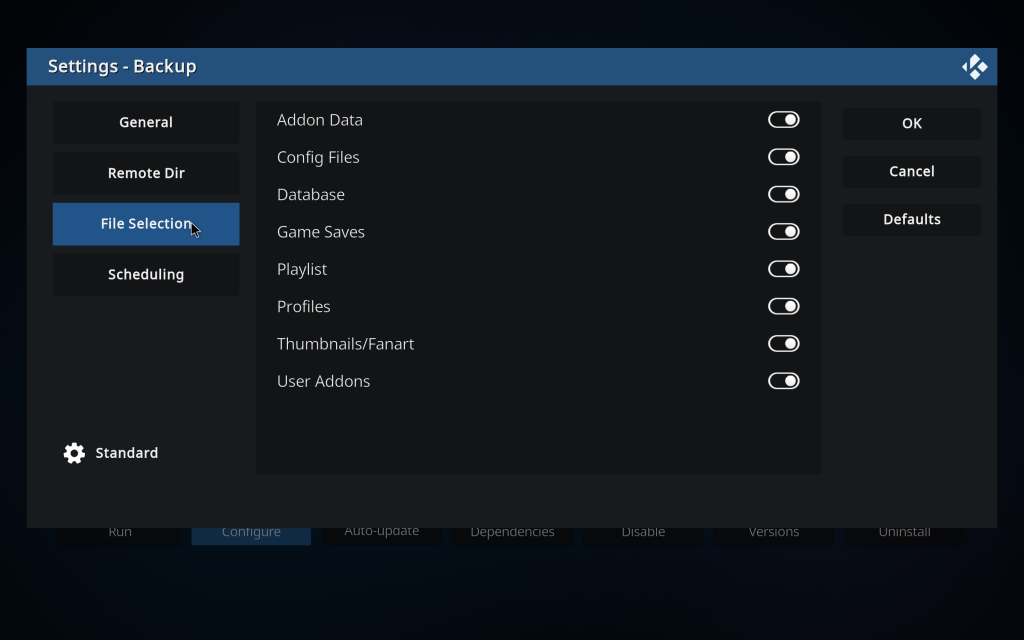
Go to File Selection and turn all on
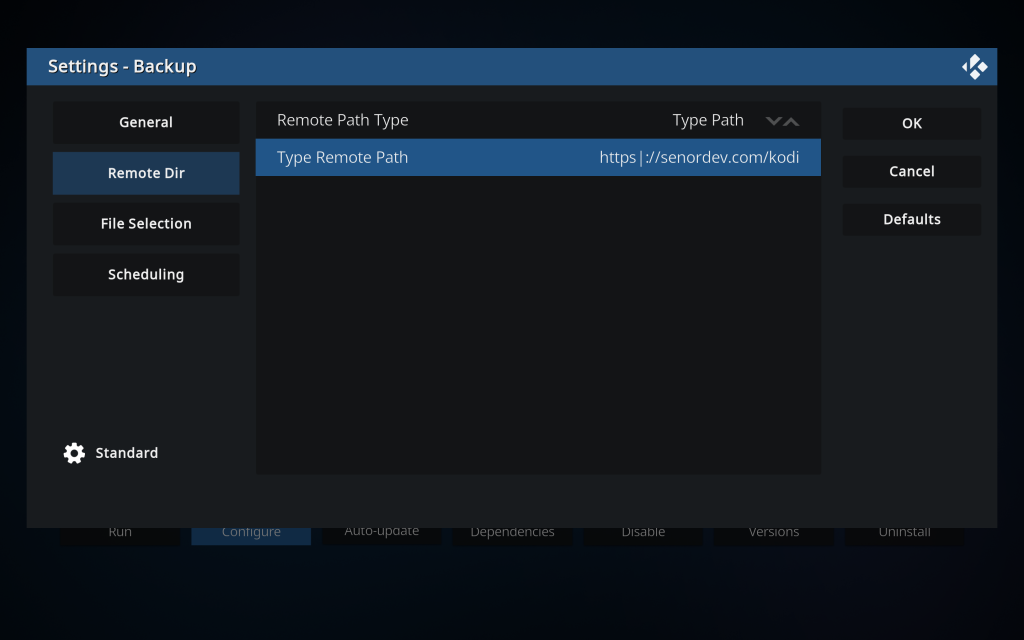
After Go to Remote Dir – And Select
Remote Path type = Type Path Click on the arrows to change to Remote Path Type
Type Remote Path = https://senormedia.com/kodi
The Press Ok
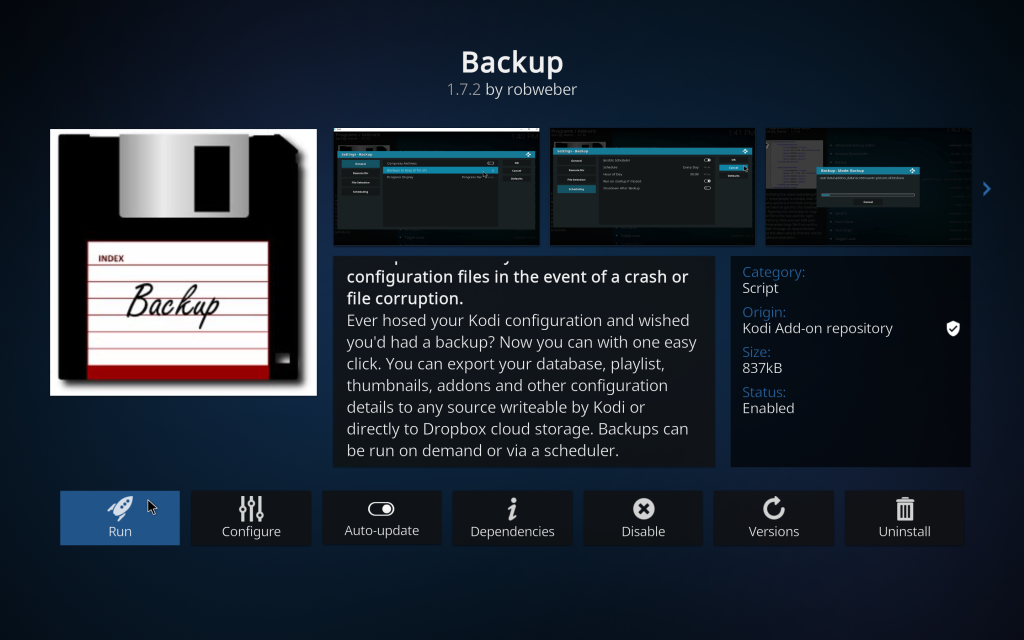
Once that is done, select backup again and select Run
Restore
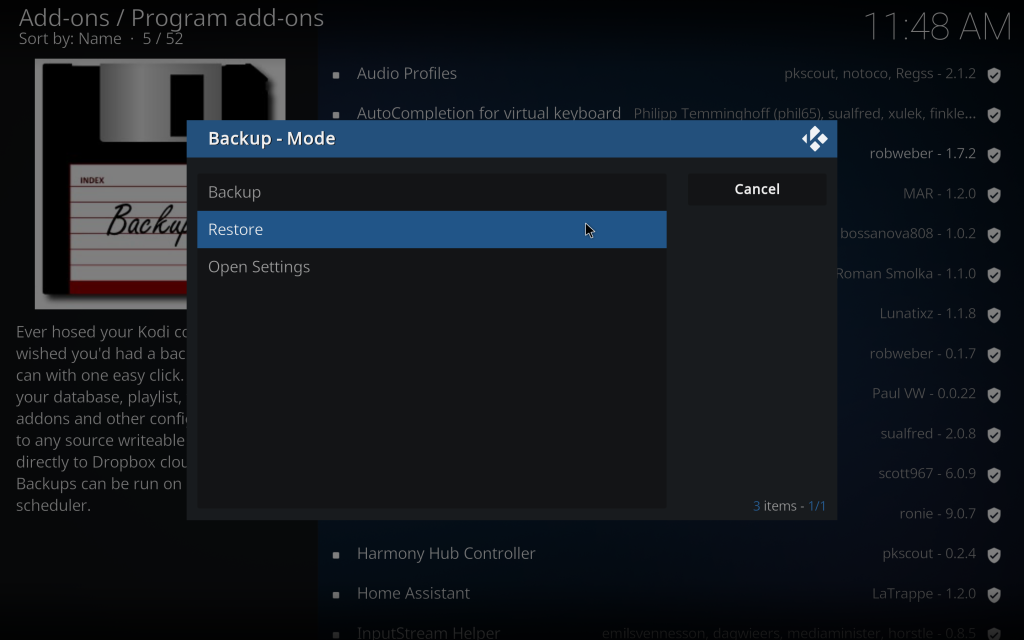
select this backup – 1/19/2026
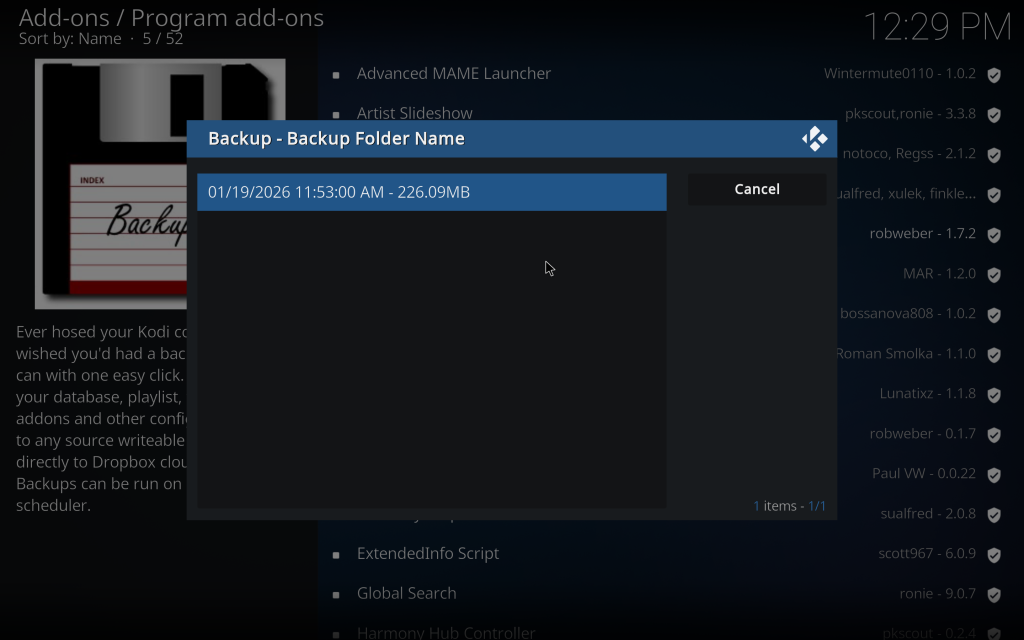
answer yes to everything, and when asked to select what to import select everything – addons, profile, etc….